Capture the whole page
Automatic edge detection with manual adjustments for a clearer crop.
Turn receipts, notes and documents into PDFs you can keep, find and share. Scan, edit and extract text from your iPhone.
See the App Store for current device compatibility, prices and in-app purchases.
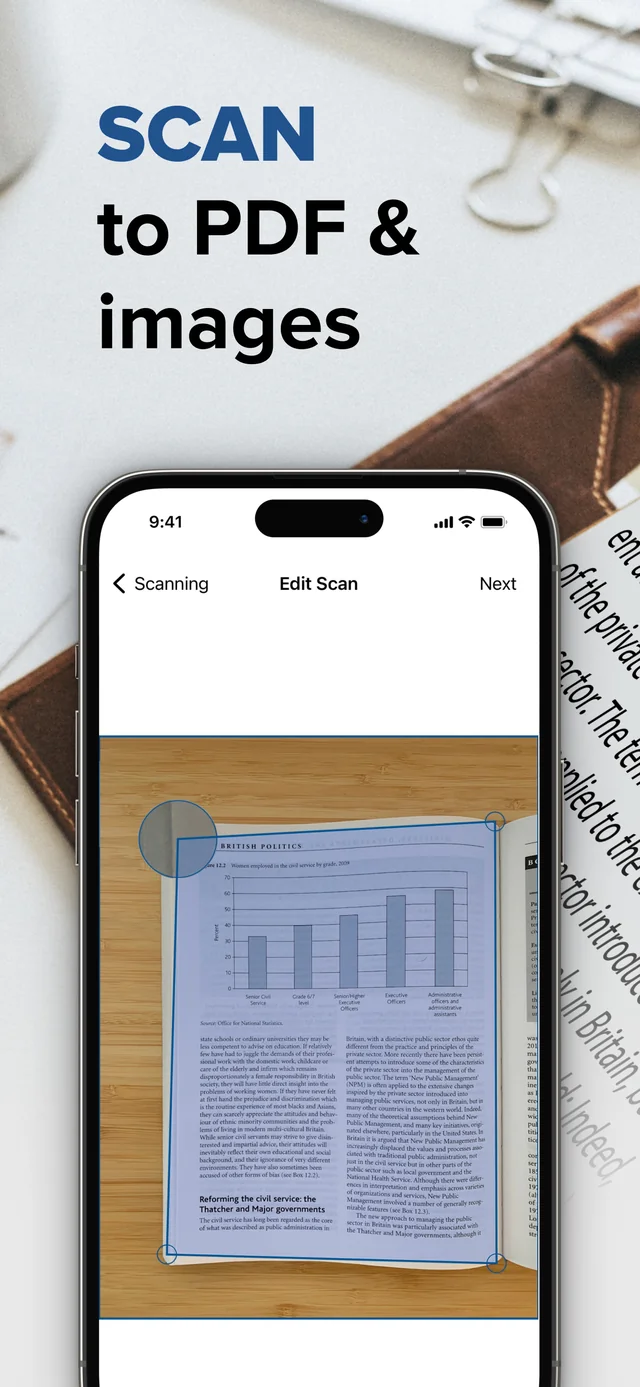
Automatic edge detection with manual adjustments for a clearer crop.
Create multi-page PDFs and use OCR to extract text from scans.
Folders, iCloud sync, annotations and sharing support your document workflow.
Add a signature to a scanned document in TSP Scanner, check its position and share the finished PDF.
Explore this feature →02Keep scanned pages readable, add useful annotations and use TSP Scanner’s password-protection option before sharing.
Explore this feature →The real app, as shown on the App Store. Open any screenshot for a larger view.
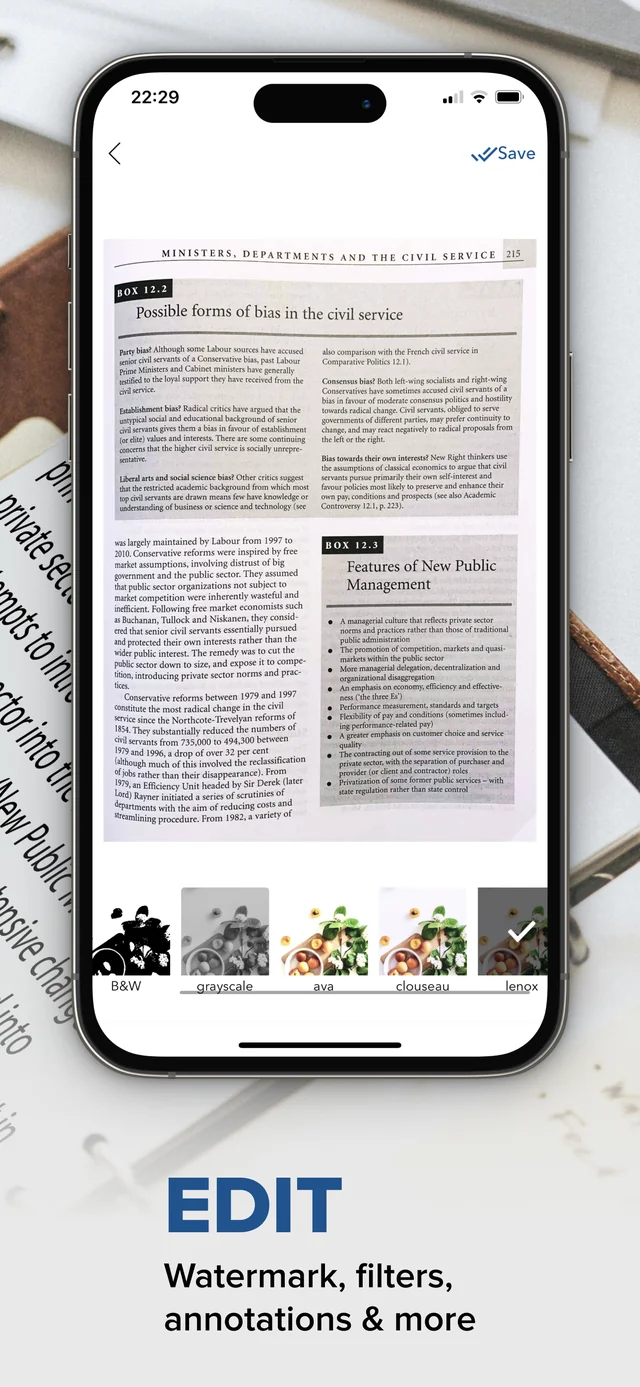
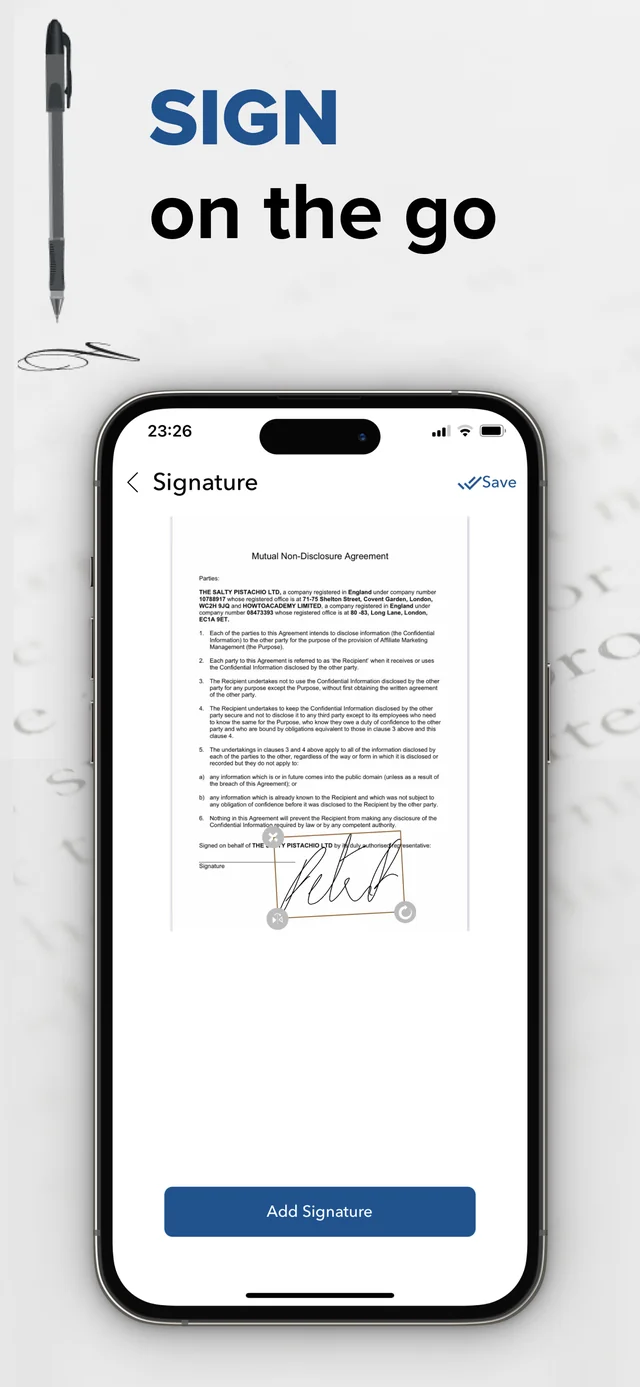
Published App Store screenshots. Features and appearance can vary by release; some options require a subscription. App Store screenshots may include English interface elements.
App screenshotsPlace the page flat, capture every edge, review the crop, then save and check the exported PDF.
Explore this feature →02Capture the pages in order, check that nothing is missing, and share one complete document.
Explore this feature →03OCR converts a picture of text into text you can reuse. A readable scan and a careful check make the result more useful.
Explore this feature →Use the verified App Store listing from the publisher: Scan Documents to PDF l by TSP
See the App Store for current device compatibility, prices and in-app purchases.
Turn receipts, notes and documents into PDFs you can keep, find and share. Scan, edit and extract text from your iPhone.
Get the iPhone appSee the App Store for current device compatibility, prices and in-app purchases.

Explore more apps from our team.